COME ON THROUGH
Seymour
1705 Victory Dr, Seymour, IN 47274
Family owned. Indiana proud.
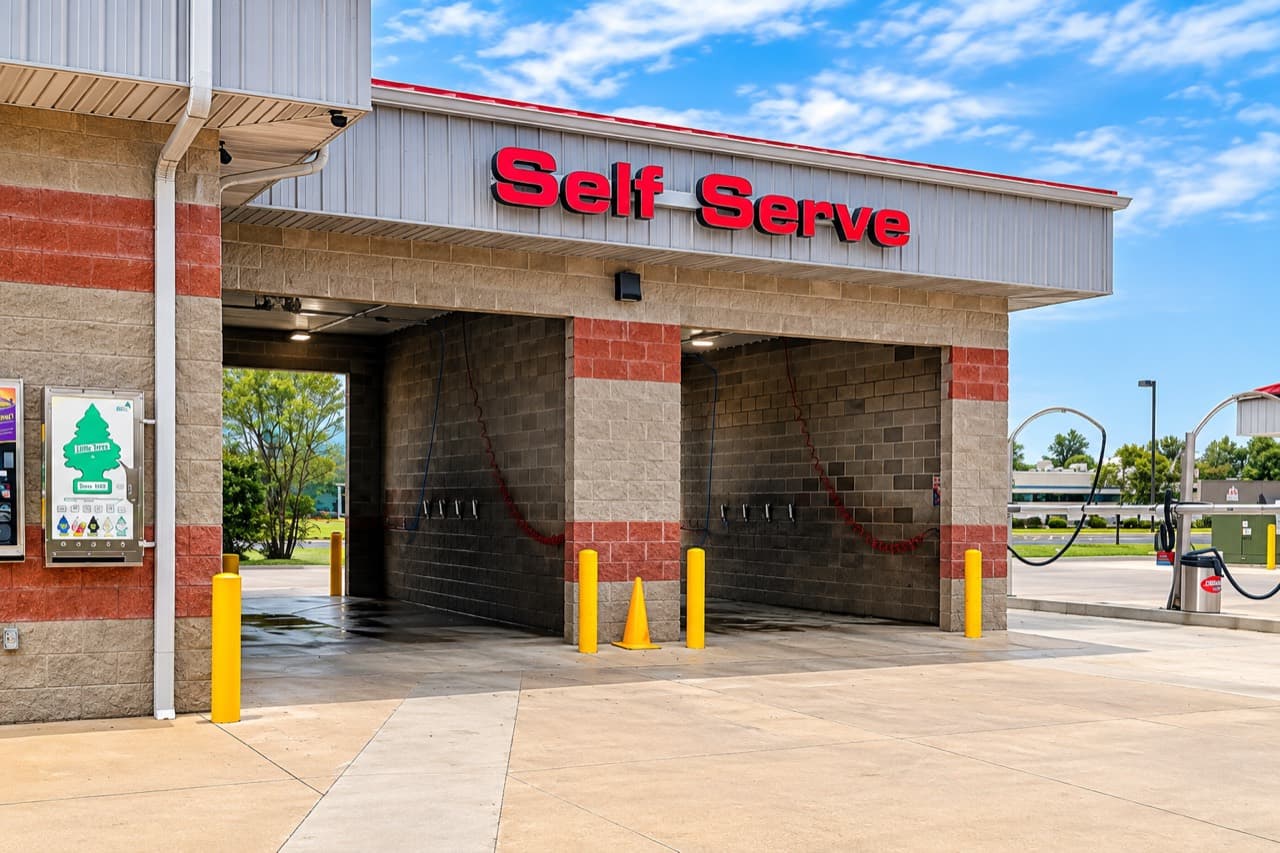
Self-Service · Do it yourself
Wash it yourself at our self-service bays in Seymour, Brownstown and Charlestown, Indiana. Follow the steps below and your bay’s posted instructions.
YOUR SELF-SERVICE WASH GUIDE
Follow these nine simple steps, from starting your wash to the final dry.

Insert cash or coins, or swipe or tap your card or phone to begin. Follow the instructions on your bay’s payment panel.
Select Wheel & Tire Cleaner for your wheels and tires. Use Bug Off on areas with bug buildup, then apply Pre-Soak to loosen dirt.
Select High Pressure Soap and spray your vehicle from top to bottom.
Rinse the brush before use to remove loose dirt or debris. Select Foam Brush and gently scrub your vehicle.
Select High Pressure Rinse and rinse thoroughly from top to bottom.
For an optional finishing touch, choose Triple Foam Conditioner, Clear Coat Protectant, or Low Pressure Wax. Follow the instructions posted in your bay for each treatment.
Select Spot Free Rinse for your final rinse to help reduce water spots.
Select Air Dryer to blow off remaining water.
If you paid by card or phone, press the lighted red STOP button or the green button on the card reader to end charges.
Check your bay’s panel for available selections and current rates.
READY TO GET WASHING?
Tap your card or phone to start. The timer displays time used.
Visa, Mastercard, American Express, Discover, Apple Pay, Google Pay, and Samsung Pay are shown on the panel.
Insert coins or $1, $5, $10, or $20 bills. Insert bills face up.
No change given.Press the lighted red STOP button or the green button on the credit card reader to end card charges.
Self-service bays are available at these Jeff's Car Wash locations.
COME ON THROUGH
1705 Victory Dr, Seymour, IN 47274
COME ON THROUGH
205 N Main St, Brownstown, IN 47220
COME ON THROUGH
420 N Main St, Brownstown, IN 47220
COME ON THROUGH
11900 Highway 62, Charlestown, IN 47111